Settings for Group Information
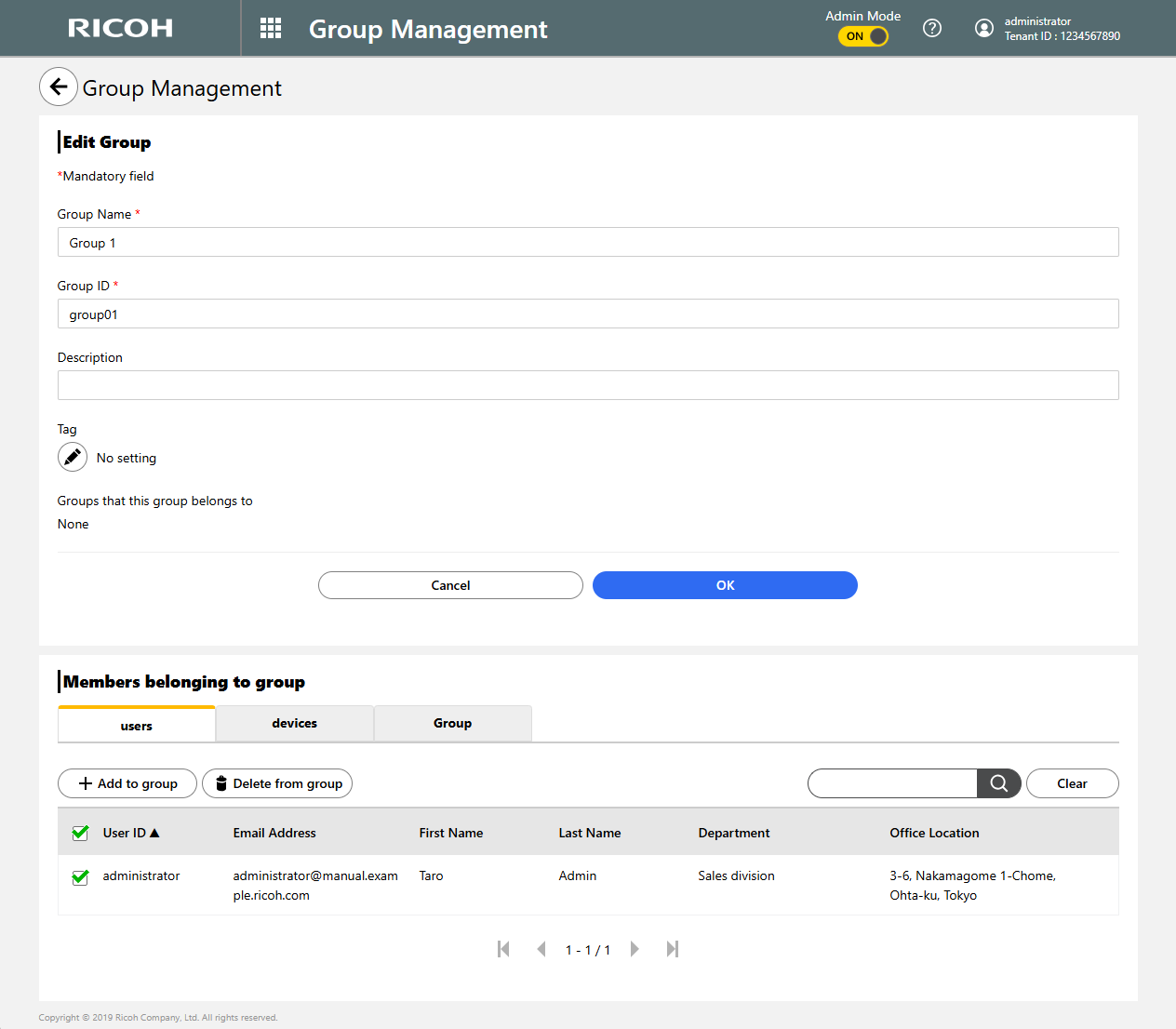
To Registering Groups, or to Editing the Information for a Group that was registered, configure the following settings:
For the available character specifications, see Specifiable Characters for Group Information.
| Item | Description |
|---|---|
| Group name | Required field Enter any group name. |
| Group ID | Required field Enter a group ID. |
| Description | Enter a description for the group. |
| Tag |
Select tags for the group. Up to five tags can be specified for each group. If a tag name is too long to display, the name is truncated. If this is the case, move the cursor over it so as to show the entire tag name in a tooltip. |
| Groups that this group belongs to | Shows the group that this group belongs to; if a group name is too long to display, the name is truncated. If this is the case, move the cursor over this area so as to show all group names in a tooltip. |
Registering group members
This section explains what you need to do after Registering Groupsor Editing the Information for a Group that was registered.
This section describes how to register groups member, taking an example of registering users as group members. These steps can apply also when using the device tab or group tab instead to register devices or groups as group members.
 Click [Add to group].

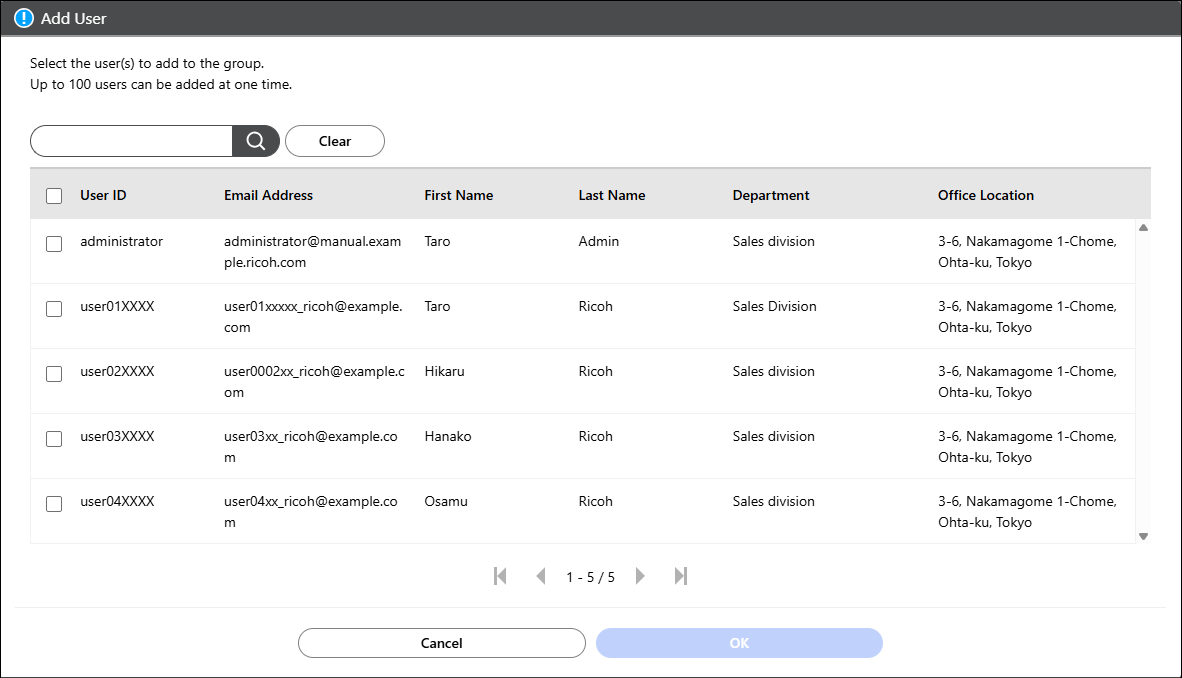
 Check the users that you want to add, and then click
[OK].
Check the users that you want to add, and then click
[OK].
Up to 100 users can be added at a time.
Deleting members from a group
This section explains what you need to do after Registering Groupsor Editing the Information for a Group that was registered.
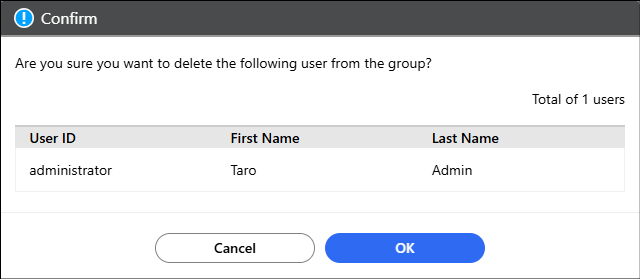
This section describes how to delete users as members from a group. These steps can apply also when using the "device" tab or "group" tab instead to delete devices or groups as group members.
Check the users that you want to delete from the group,
and then click [Delete from group].
Click [OK].