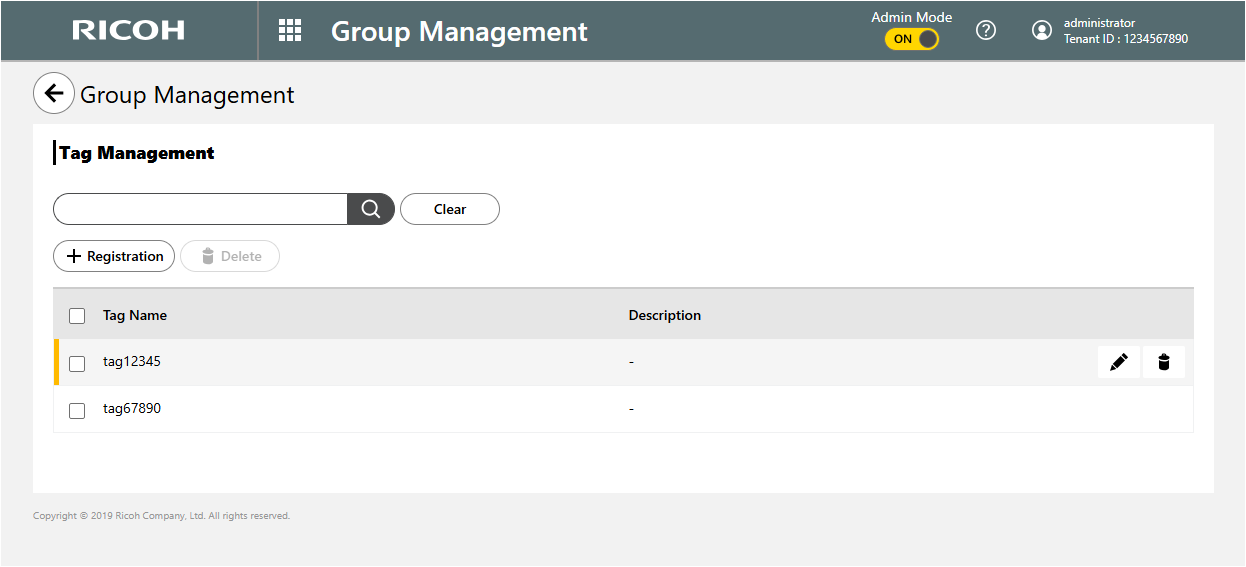
Tag Management
You can use Tag Management to register new tags for groups, and you can edit and delete existing tags. The administrator uses tags to identify groups more efficiently.
For information on the specifiable characters, see Specifiable Characters for Tag Information.
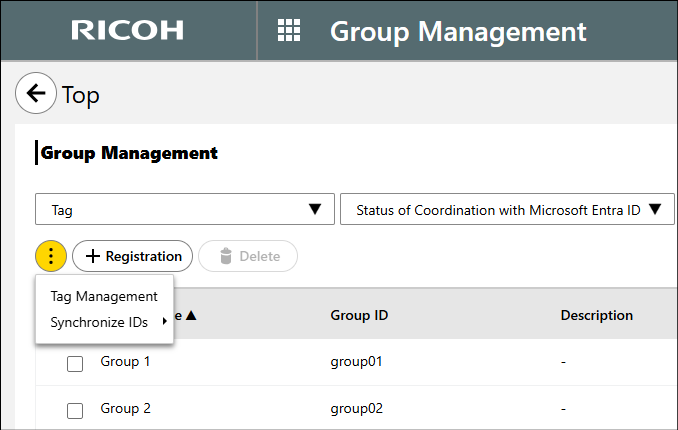
 On the Group Management screen, click the
 (menu button), and then select [Tag Management].
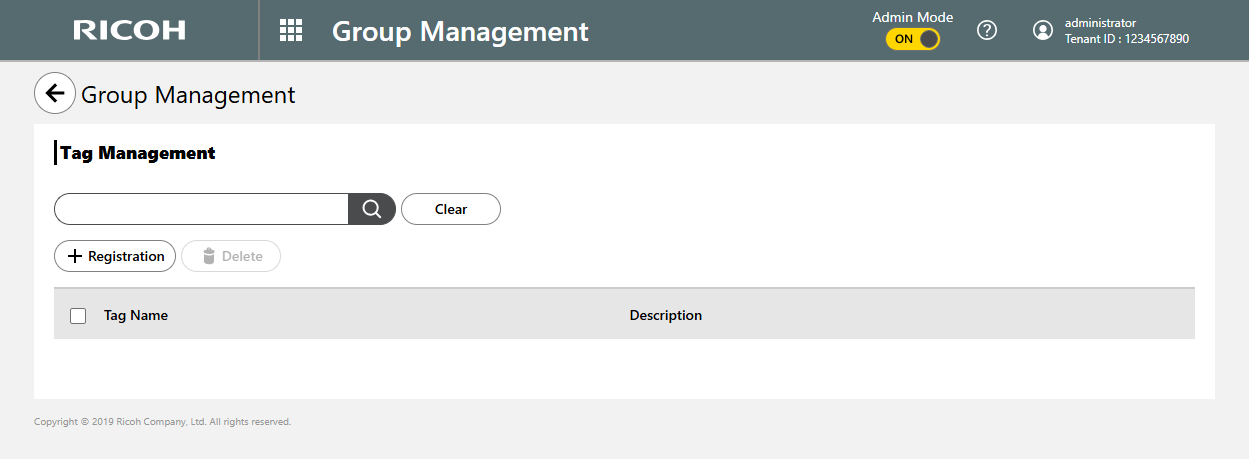
 Click [Registration].
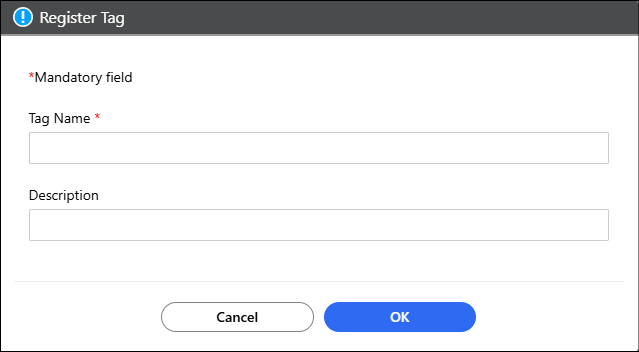
 Enter a tag name and description, and then click [OK].
 On the Tag Management screen, hold the cursor over the
tag that you want to edit, and then click
On the Tag Management screen, hold the cursor over the
tag that you want to edit, and then click .
.
Change the tag information as appropriate.
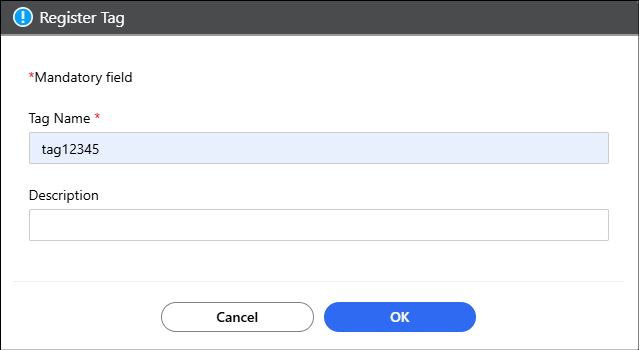
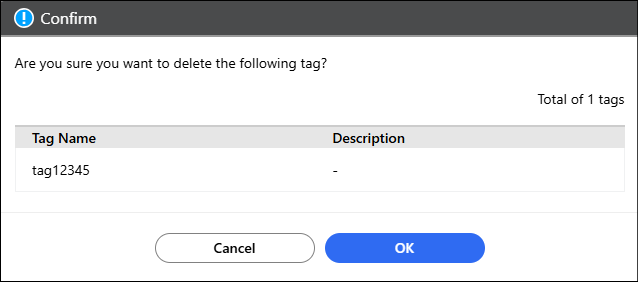
Click [OK].On the Tag Management screen, check and select the tag
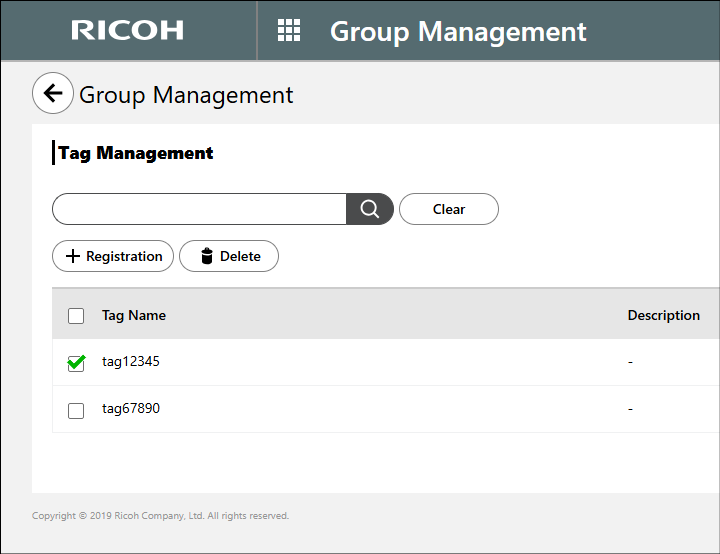
that you want to delete, and then click [Delete].
Multiple tags can be selected for deletion at a time.
Alternatively, you can delete a single tag by holding the cursor over the tag that you want to delete
and then by clicking  .
.
Click [OK].