5. Testing Provisioning
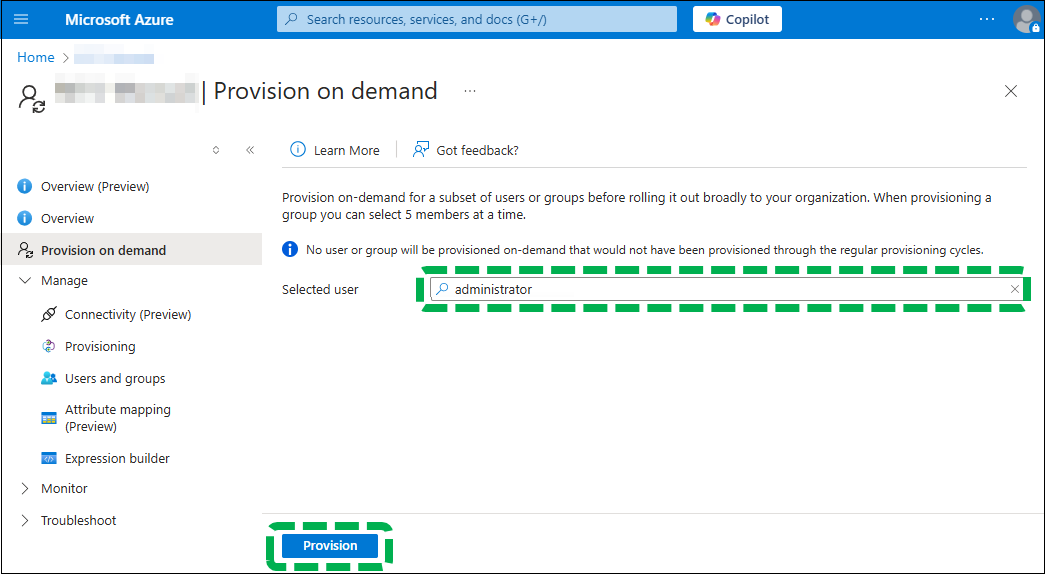
You can select users and/or groups to test synchronization. This is not a must, but testing will allow you to verify that your settings are correct.
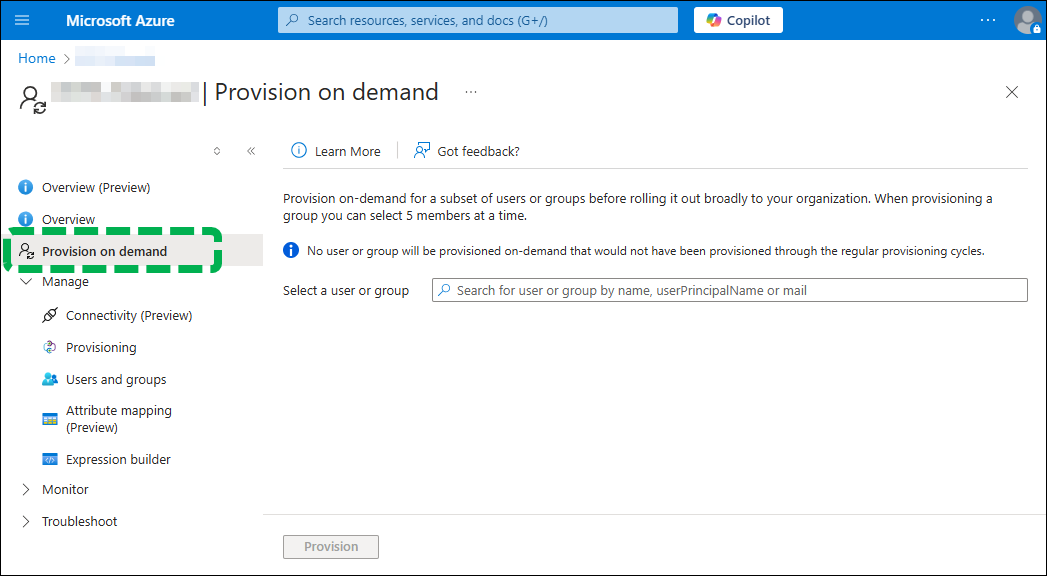
 Click [Provision on demand].
 Search for users and/or groups to be synchronized and
select appropriate users and/or groups.
Search for users and/or groups to be synchronized and
select appropriate users and/or groups.
You can select multiple users and/or groups.
 Click [Provisioning].
If the settings are correct, the selected user and/or groups are synchronized.
If synchronization does not start, review the settings for the selected users and/or groups.